 Elevated Self

Jtodo
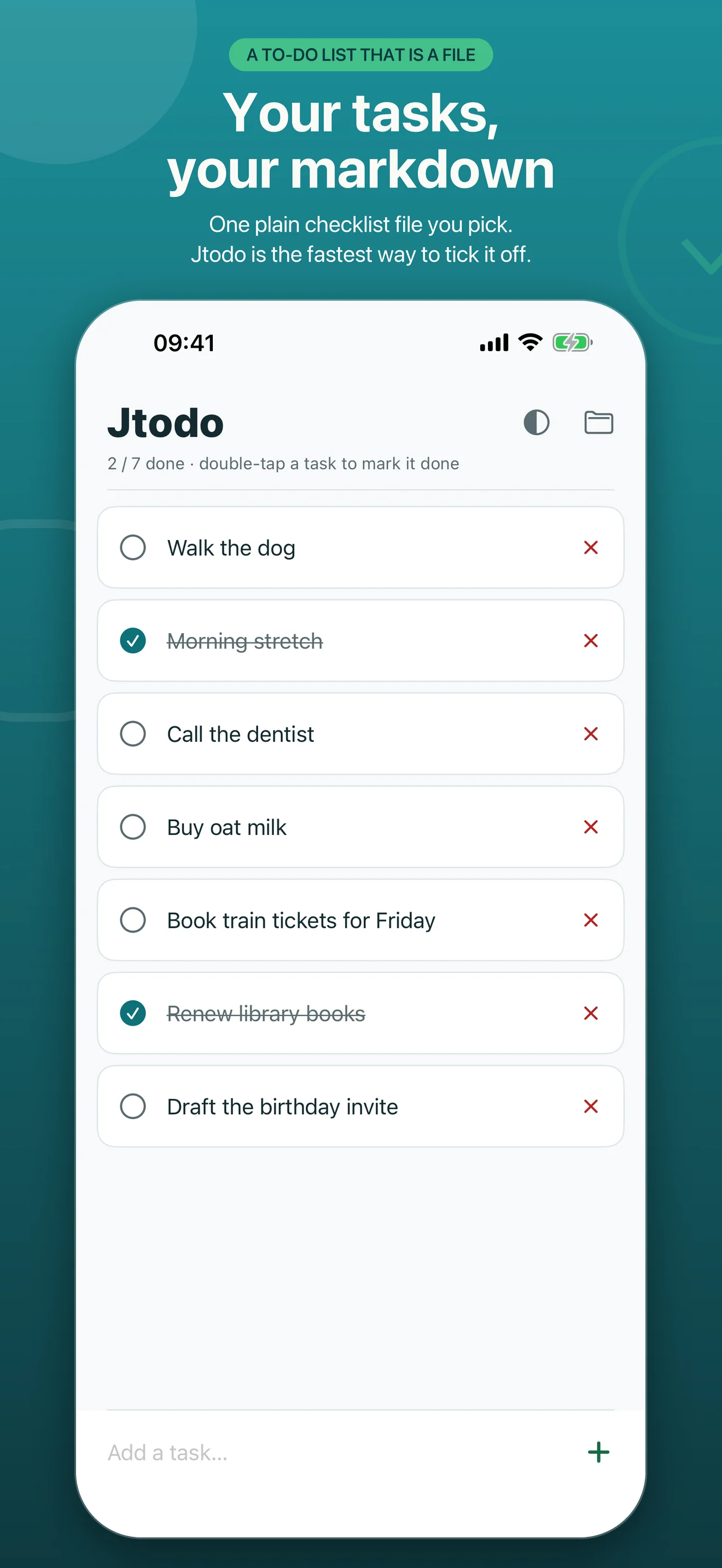
A to-do list that is just a markdown file. Pick a file — on your phone, in Google Drive, Dropbox or iCloud Drive — and Jtodo becomes the quickest way to work with it: type a task, double-tap it when it's done, drag to reorder. Nothing to sign up for, nothing that leaves your device.
One file, any editor, both phones
Your list is a standard markdown checklist — the same - [ ] and - [x] lines Obsidian, VS Code and every text editor understand. Jtodo is the fastest way to tick it off on a phone, and it never touches anything in the file except the checkboxes.
Nothing in the way
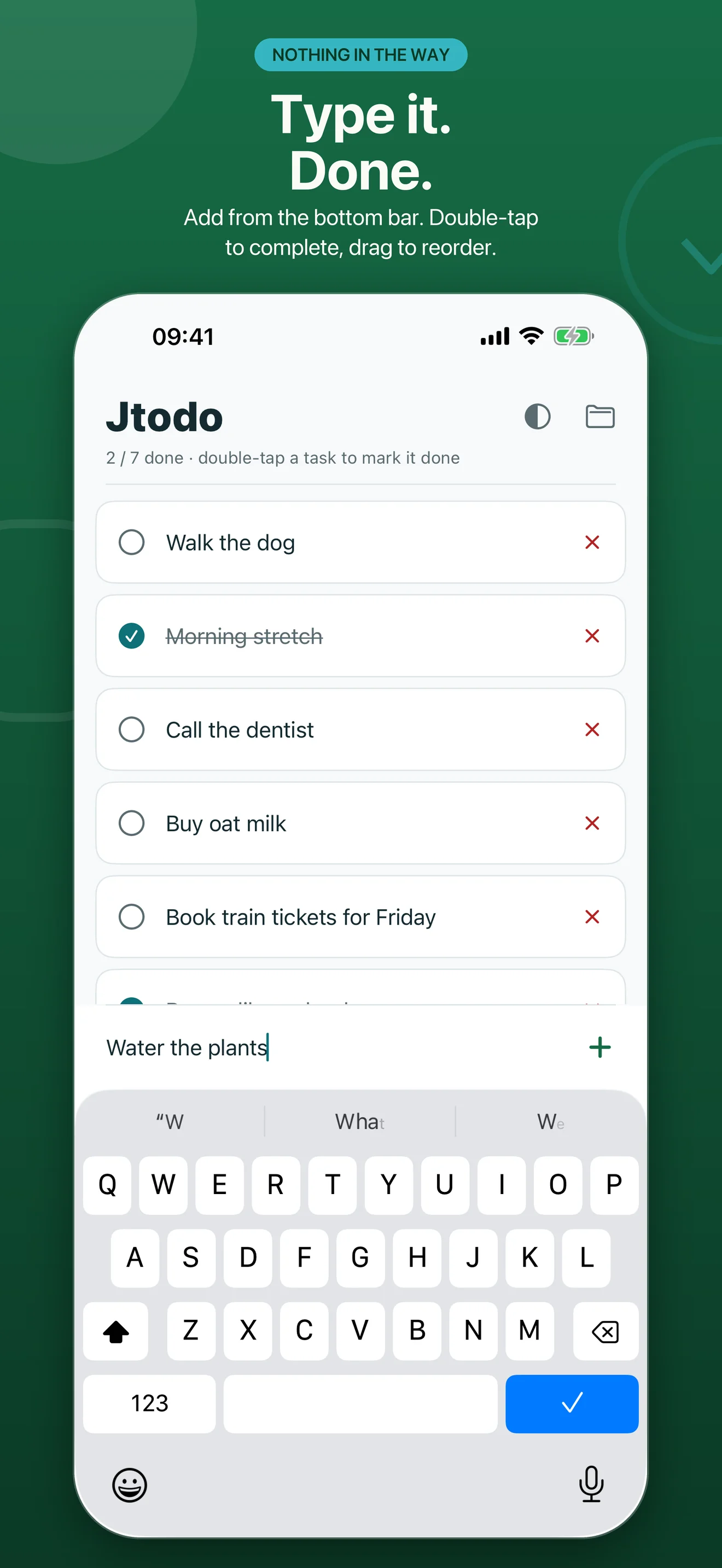
Add a task from the bar at the bottom. Double-tap to mark it done. Long-press and drag to reorder. Tap the X to remove it. That is the whole app — no projects, no tags, no onboarding.
Your tasks are a file
Open the same file in Obsidian, in a terminal, in Notes on your Mac. Back it up like any other document. Delete the app and the list is still there; delete the file and it is gone. Nothing is locked inside an app.
Two phones, one list
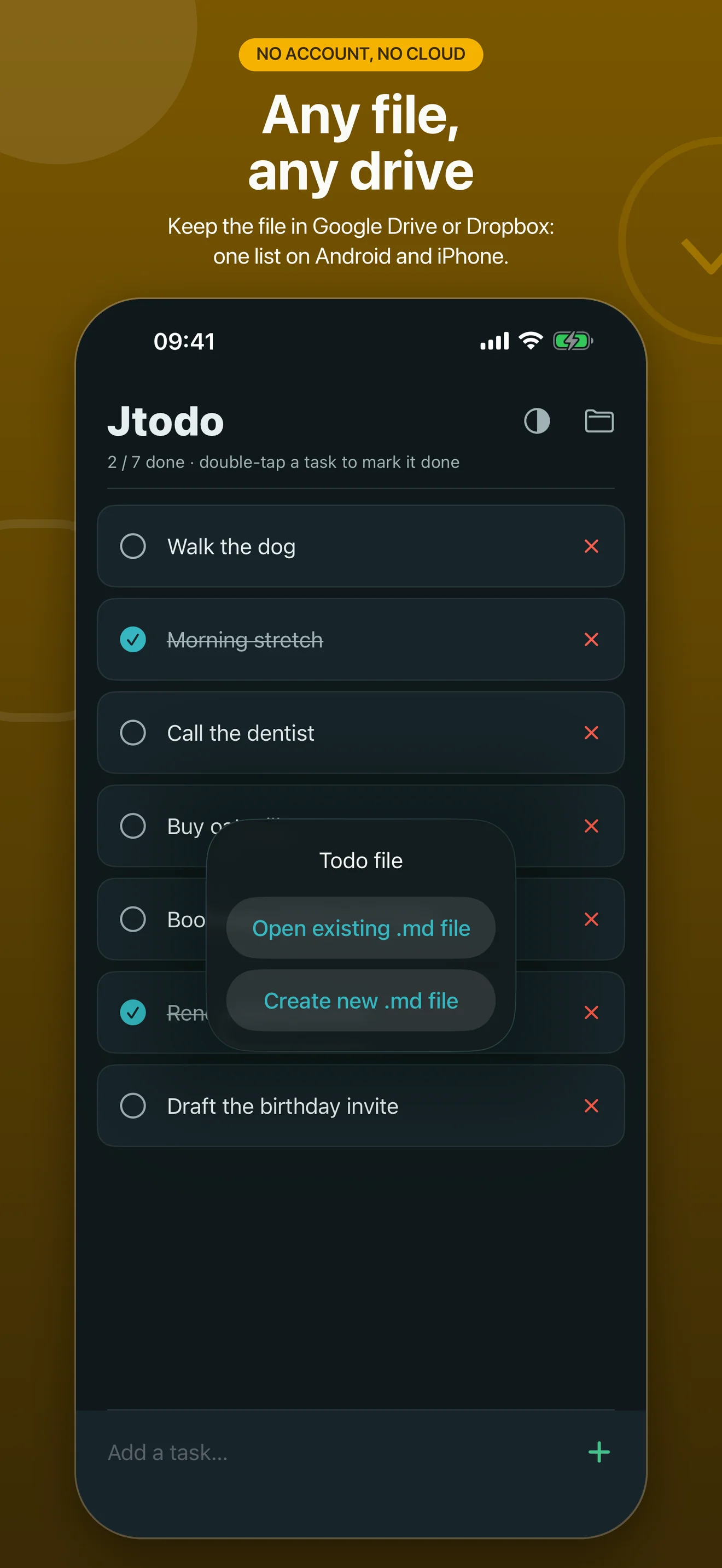
Keep the file in Google Drive, Dropbox or iCloud Drive and the same tasks appear on your Android phone and your iPhone. No account to create, nothing to sync up — the drive you already use does the carrying.
Headings stay put
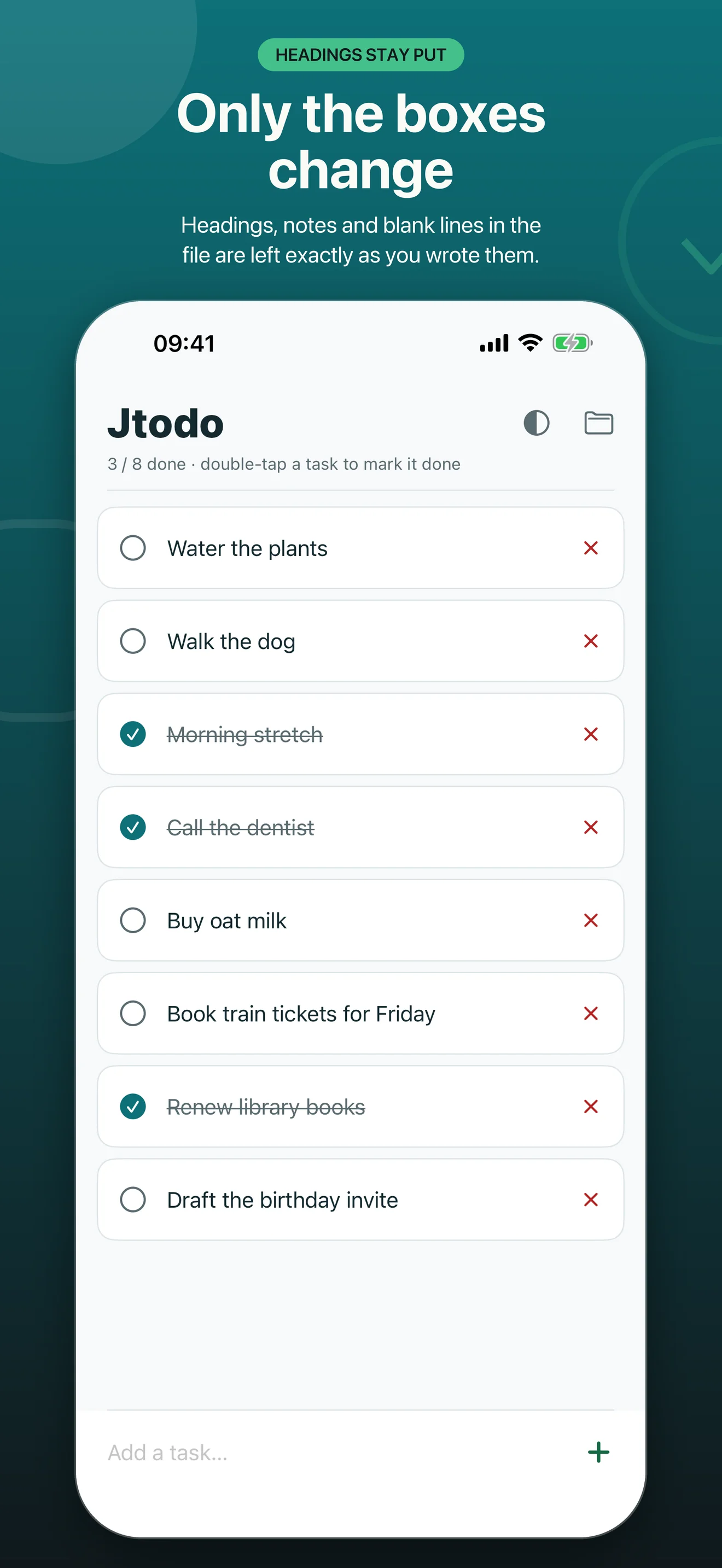
Sections, notes and blank lines in the file are left exactly where you wrote them. Jtodo shows the tasks and edits the boxes; everything else rides along untouched, so a note in your vault is safe to point it at.
Nothing leaves your device
Jtodo has no network access at all — on Android it declares no permissions, on iPhone no entitlements. No account, no analytics, no advertising. The only thing it stores is which file you picked and which theme you like.
Looks the part
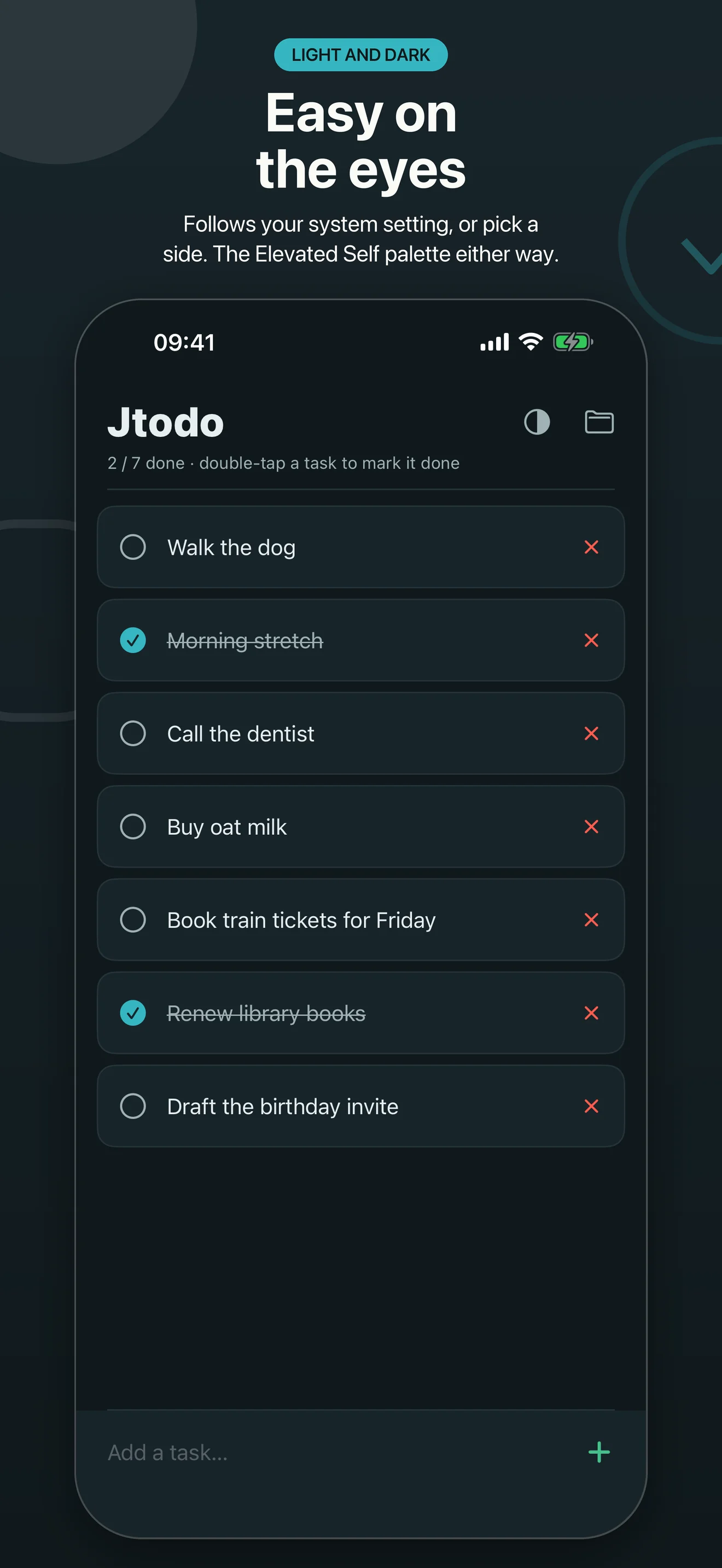
The Elevated Self palette in light and dark, following your system setting or your own choice from the half-circle button in the header.
A look inside
App Store previews — tap one to see it full size. Android and iPhone carry the same features and read the same file.
The file
This is all Jtodo ever writes. Everything not starting with a checkbox is kept as-is.
# Today
- [ ] Walk the dog
- [x] Morning stretch
- [ ] Call the dentist

## This week
- [ ] Book train tickets for Friday
Get the app
Jtodo is free on the App Store and Google Play. No ads, no in-app purchases, no feature tiers — the free app is the whole app.

